How to check the credit limit before a sales order in Tally
OrderDak checks each order against the customer's credit limit and what they already owe before it can go to Tally. An order that would cross the limit is held, and someone has to release it with a reason or reject it. The reason is kept in the order's history.
In most order desks the credit check happens from memory, or after the order is already in Tally. By then the goods may be packed. Checking each customer's outstanding by hand for every order is slow, so it gets skipped in a busy morning.
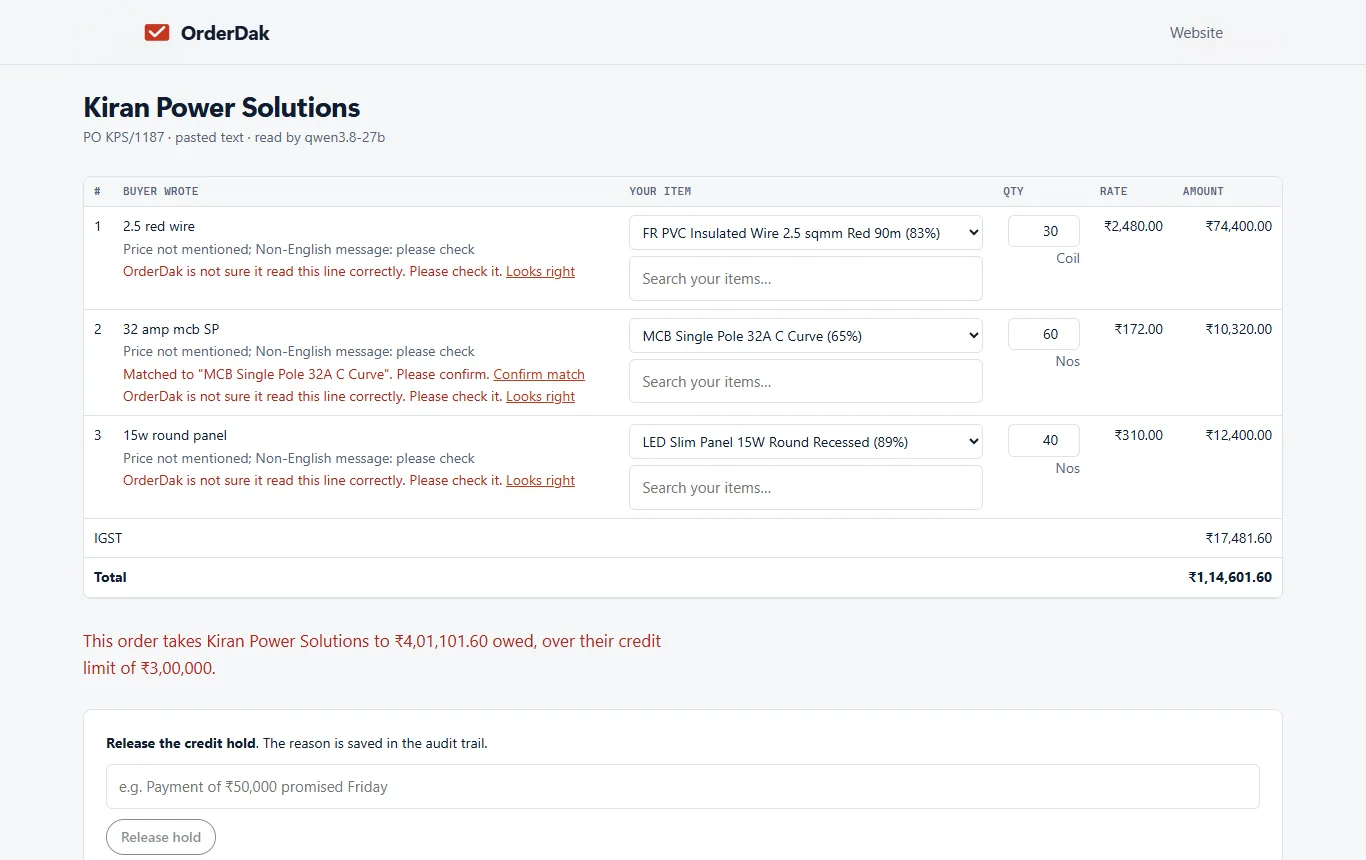
OrderDak adds the new order to what the customer already owes and compares it with their credit limit. If the total is over the limit, it shows the message “This order takes [customer] to ₹… owed, over their credit limit of ₹…” and holds the order.
You choose the rule: hold (the default), warn only, or ignore. A held order can't be approved until someone releases it, and the person and the reason are written to the audit log.
The check uses the credit limit and the outstanding or closing balance in your customer list. Upload the list again whenever balances change, or let the bridge (beta) sync customers from Tally, so the check works from fresh numbers. The same order also gets the other checks: rate, stock, pack size, duplicate PO number, GSTIN and the GST split.
Steps in OrderDak
Load credit limits
Upload your customers with their credit limits, or let the OrderDak bridge (beta) sync Sundry Debtors from Tally.
Set the rule
In setup or Settings, under Modules and rules, set “When credit limit is crossed” to hold, warn or ignore.
Add orders as usual
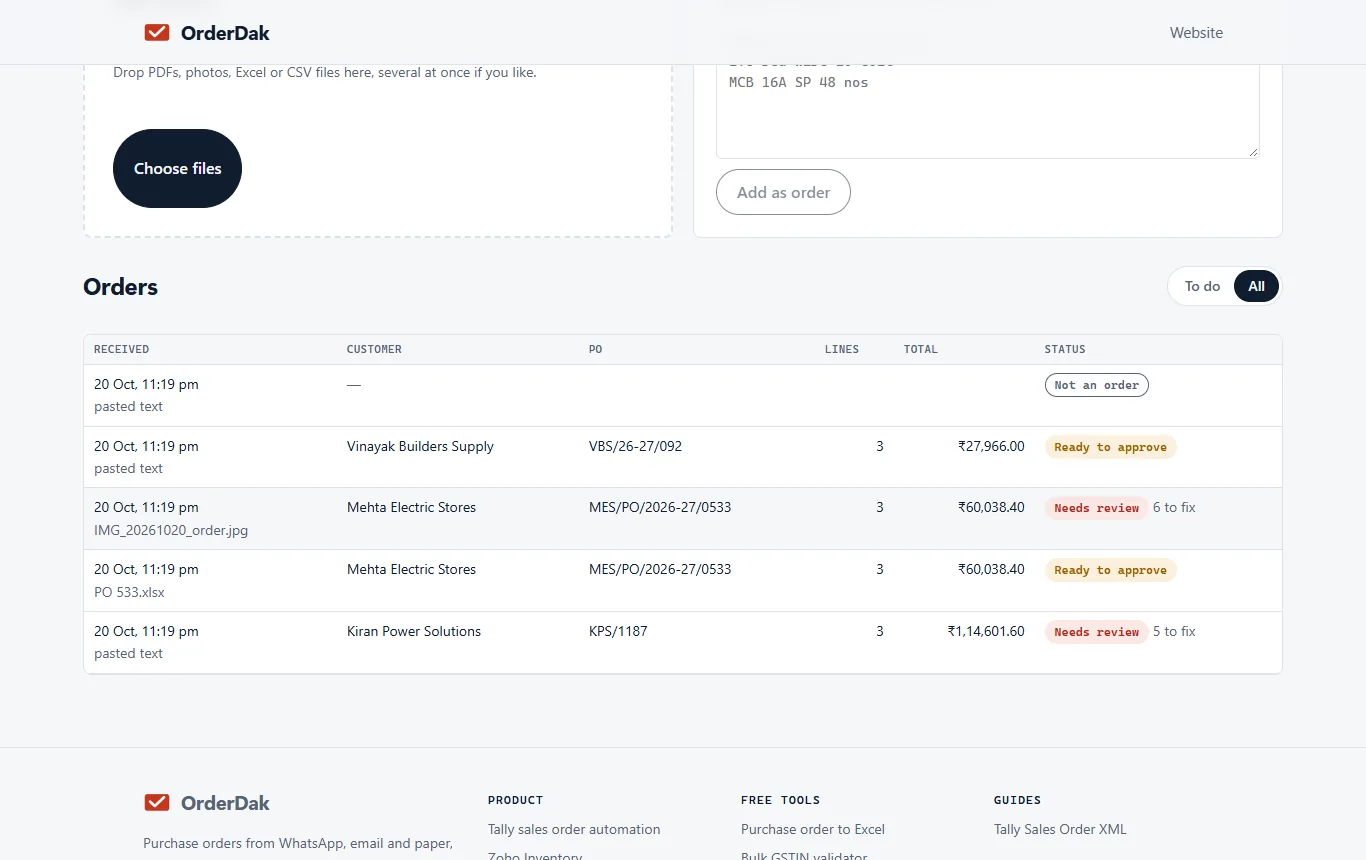
Paste, upload or forward the order. The credit check runs with the other checks.
See the hold
A held order shows the amount owed and the limit, and says what blocks approval.
Release or reject
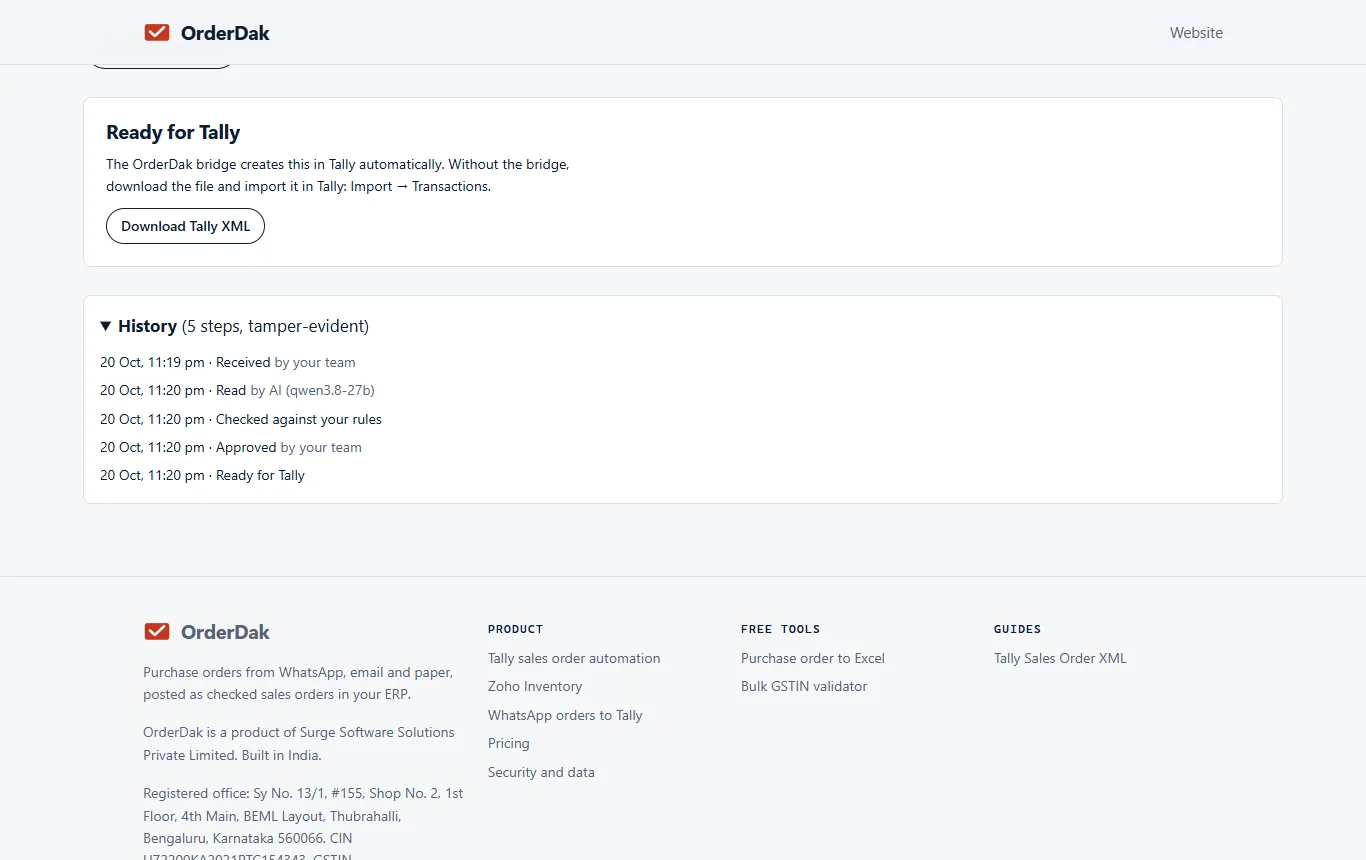
Click “Release hold” and give a reason, or reject the order. Either way it is recorded.
When OrderDak is not the right tool
If you want to stop over-limit sales only at the invoice stage, Tally's own credit limit settings on the ledger may be enough. If your problem is collecting old dues rather than stopping new orders, look at OrderDak Collections (beta), which sends payment reminders.
Questions
Where does the outstanding amount come from?
From the customer data you load: the closing balance and credit limit in your customer list, or from Tally through the bridge (beta).
Can a staff member release a hold?
Anyone who can change orders can release it, but they must give a reason, and it is kept in the audit log.
Can I just get a warning?
Yes. Set the rule to “warn” and the order can be approved with a warning shown.
Does this cost extra?
No. Checks have no usage charge. Your first 3 months are free; after that you pay at our cost for AI reading, OCR and confirmation emails.
Will it stop an order that is already in Tally?
No. It checks orders before they go to Tally. Orders you type into Tally yourself are not checked.
Related: How to catch duplicate purchase orders before they reach Tally · Order management for FMCG distributors on Tally · OrderDak vs Docs by Ira · Pricing
Last updated 1 November 2026 · by Venu Gopal Reddy Muvva, founder